
Shared mailboxes are used when multiple people need access to the same mailbox, such as a company information or support email address, reception desk, or other function that might be shared by multiple people.
Users with permissions to the group mailbox can send as or send on behalf of the mailbox email address if the administrator has given that user permissions to do that. This is particularly useful for help and support mailboxes because users can send emails from "Contoso Support" or "Building A Reception Desk."
Select Outlook Platform
Create a new email message.
Select desired account to send from via the From Drop down
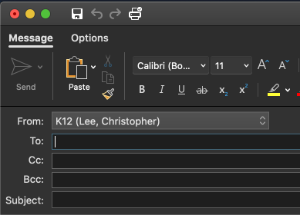 ->
->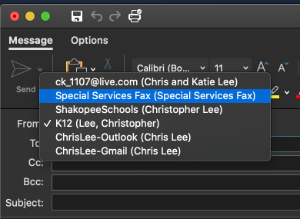 ->
-> 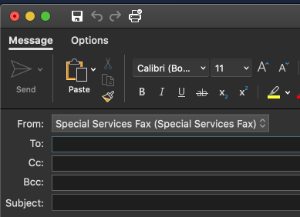
Complete email as normal.
Create a new email message.
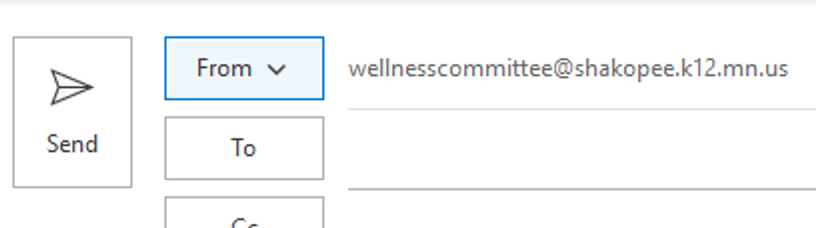
Select desired account to send from via the From Drop down
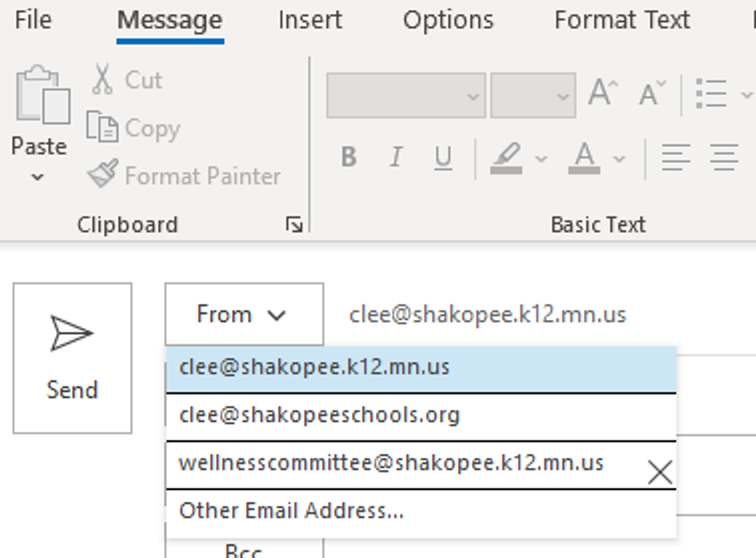 ->
->
- Log in to https://outlook.office.com.
- Click your profile name or picture in the top right corner.
- Select Open another mailbox.
- Type the email address of the shared mailbox and click Open.